
Online Safety Advice & Guidance
Internet safety and online bullying, advice for students and parents
AT NSG we recognise our vital role in ensuring students understand how to keep themselves safe whilst online. Though our PSHE, SRE and subject curriculums we provide teaching, guidance and opportunities for discussion and debate around, for example:
- Harmful online content and managing risks
- Misinformation / disinformation
- Radicalisation
- Cyberbullying
- Online grooming
Students are taught to be Ready, Respectful and Safe when online
Ready
- Think before you post, is it true, kind, necessary?
- Keep your devices charged and secure.
- Protect your passwords and personal information.
Respectful
- Be polite and kind in messages, chats and comments.
- Treat people online as you would face to face.
- Respect other people's privacy. For example, don't share photos or information without permission.
Safe
Remember: "turn it off and tell someone."
- Report anything that makes you feel uncomfortable.
- Only connect with people you know in real life.
- Tell a trusted adult straight away if something goes wrong.
The internet is a powerful space where children and young people can learn, connect and be creative. However, just as in the real world, risks exist. At NSG we are committed to helping our pupils use technology safely and responsibly and to tackling bullying, whether it happens in person or online.
For any students who may need additional support in regard to regulating their activity online, there is specialist help available. This is co-ordinated by the safeguarding team and utilises the support of the police, IT experts, social and emotional welfare support and mentors.
Our Approach in School
Curriculum teaching
Online safety, respectful relationships and anti-bullying are taught through computing, PSHE, RSE, tutor time activities and assemblies.
Filtering and monitoring
The school uses the Securly programme to filter school devices and networks. Safeguarding and Pastoral staff monitor activity to protect students from harmful content and unsafe behaviour.
Staff training
Staff receive regular safeguarding and online safety training so they can act swiftly and appropriately and are themselves protected online.
Student voice
We listen to students through surveys and via student leader feedback to ensure our approach reflects their online experiences.
Parent support
We provide updates, workshops and resources to help families address online risks at home.
Wider support for students, parents and schools can be accessed via CEOPs (Child Exploitation and Online Protection Centre) who provide advice and support to help keep children and young people safe from sexual abuse and grooming online. Anyone can make a report directly to CEOPs if something has happened, either from someone known in real life, or someone they met online. The CEOPs website can be accessed here https://www.ceop.police.uk/ceop-reporting/
Resources and further guidance for parents/carers
CEOP's guidelines for internet safety are:
- It is best not to give out your personal details to online friends. Personal information includes your messenger id, email address, mobile number and any pictures of you, your family or friends.
- If you publish a picture or video online – anyone can change it or share it.
- In the case of Spam/Junk email & texts: don't believe it, reply to it or use it. It's not a good idea to open files that are from people you don't know. You won't know what they contain. It could be a virus, or worse, an inappropriate image or film.
- It's easier to get on with people online and say things that you wouldn't offline. Remember some people lie online.
- It's better to keep online friends online. Don't meet up with any strangers without an adult you trust. Better to be uncool than unsafe!
- It's never too late to tell someone if something makes you feel uncomfortable. Its never too late to seek support and advice.
Additional support for students can be accessed via Childline, available to for free, confidential advice any time, day or night. Contact at (https://www.childline.org.uk/get-support/) or by phoning 0800 1111.
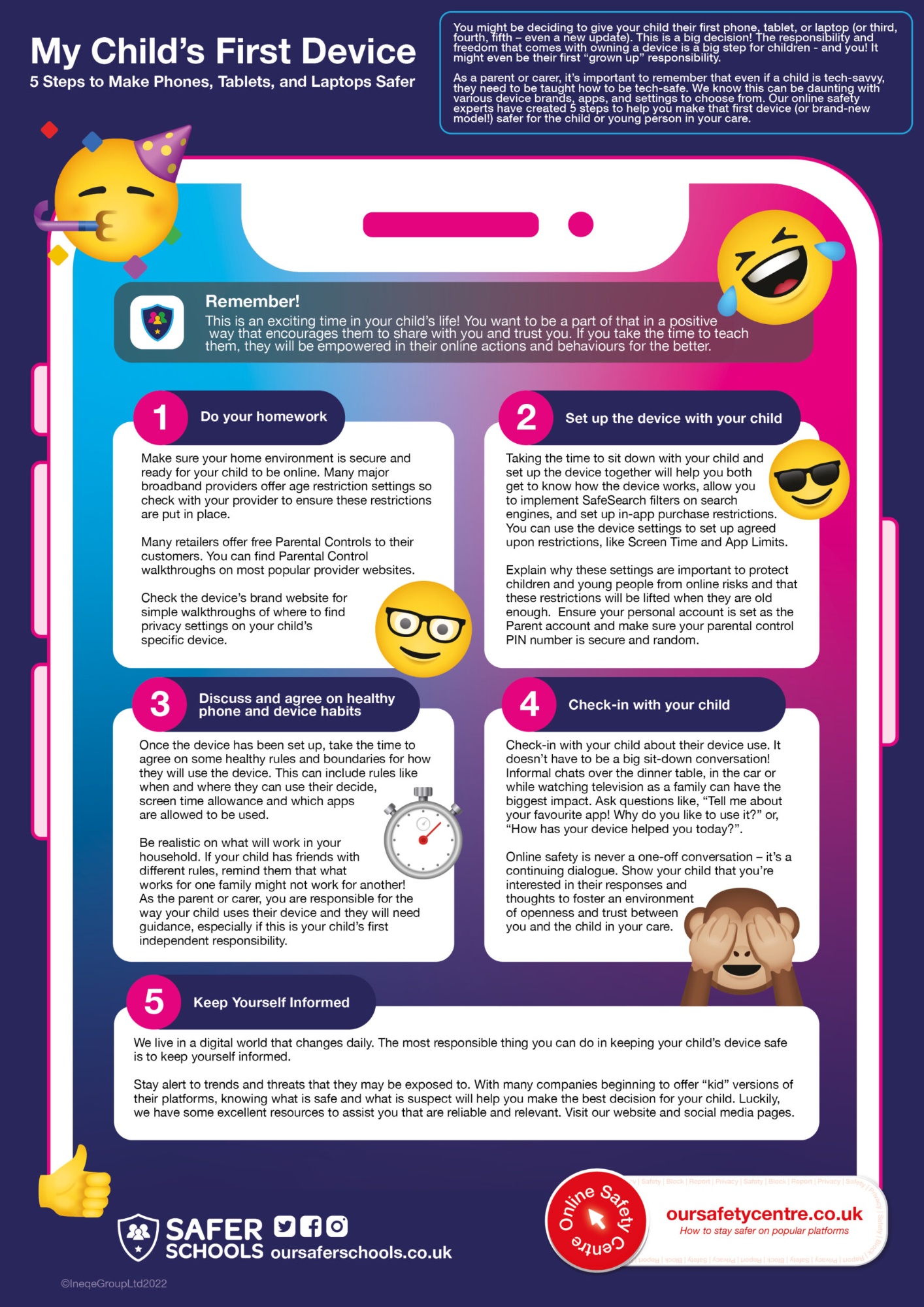
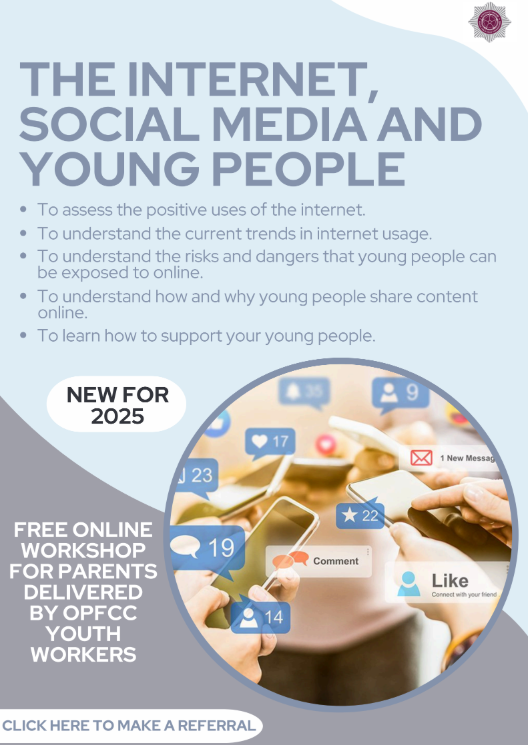
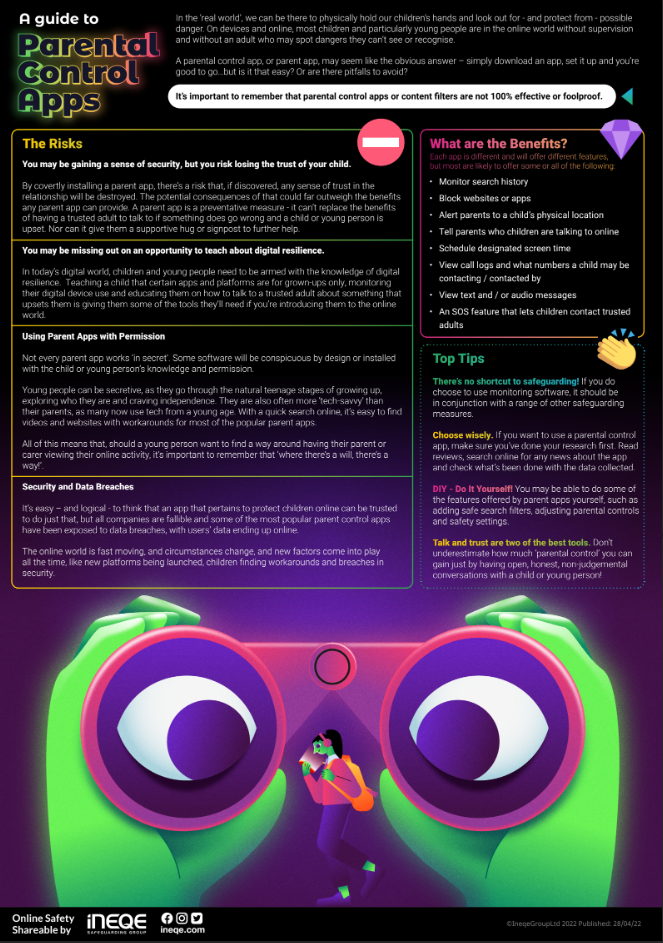
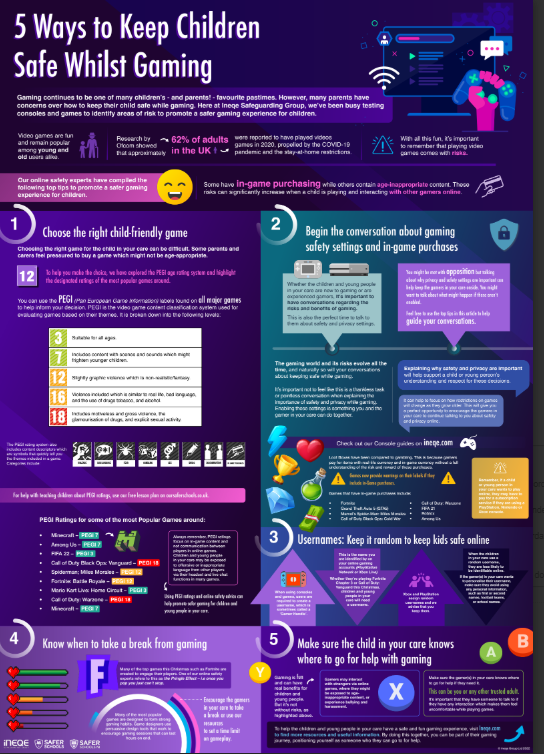
Click on the images for the full document
|
|
|
|
|
|
Online Safety News
July 2025
.
.